Before You Download
Three checks make a fan game install painless. First, space: the current build is about 579 MB and wants roughly 800 MB of free room while it installs, so clear that before you start. Second, the build family: if you already play, update within the same source family you installed from, because different community builds can be signed differently and a mismatched update can cost you your save. Third, language: the base release is Chinese, so decide now whether you want the newest release or a community English build that trails it by a version.
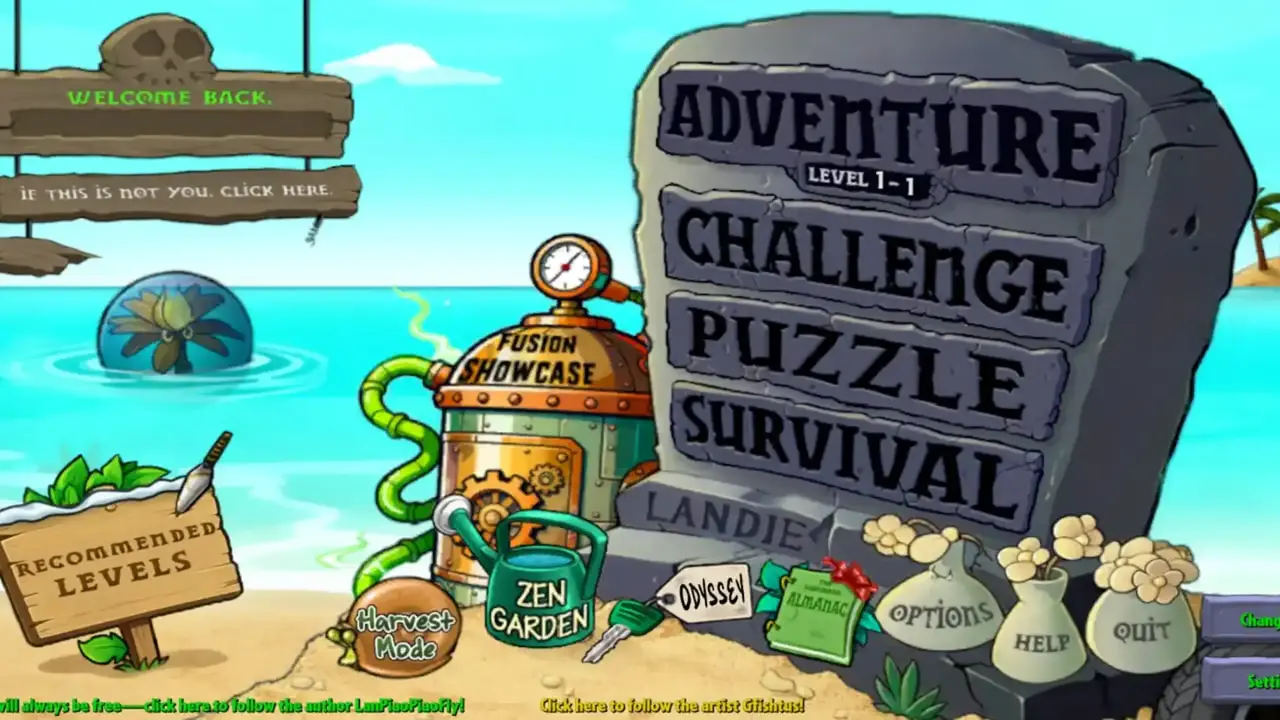
PVZ Fusion is a fan project by LanPiaoPiaoFly (Blue Fly). It is not an official EA or PopCap release, it is not sold anywhere, and it has no app store listing, which is why Android will ask you to allow a sideload install. That prompt is expected. What should never appear is a payment request: the game is free, full stop.
Installing After the Download
When the link is live and the file is on your phone, tap it, allow the one-time install permission for your browser or file manager, and let the install finish without locking the phone. Open the game and play Adventure level 1 first: it teaches the Sunshooter fusion, and every later habit builds on it. If you updated from an older build, check your almanac and Zen Garden before deleting any save backup, and switch the install permission back off once you are done.